

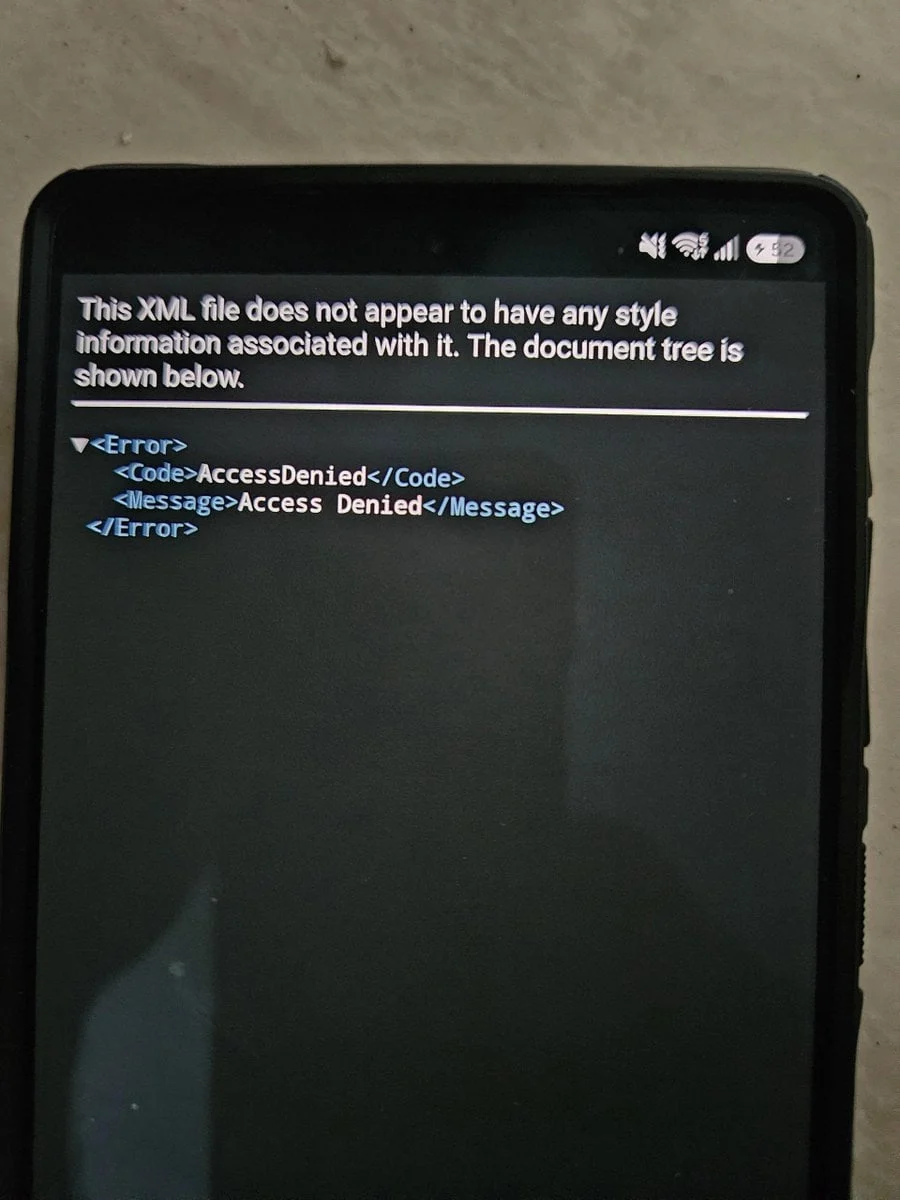
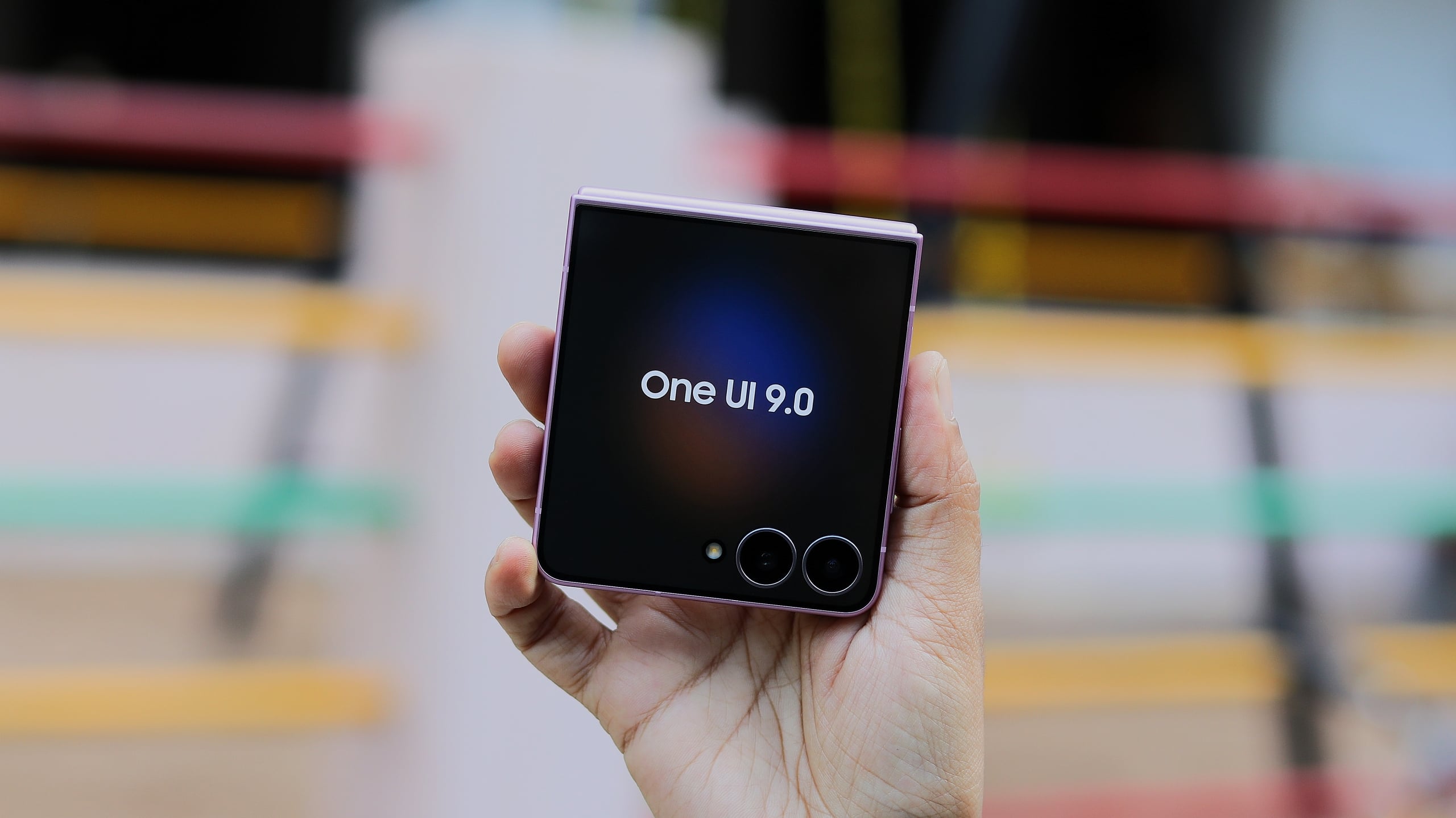
Users of Samsung’s latest flagship handsets, including the Galaxy Z Flip 8, have reported a significant software-related complication following the rollout of the One UI 9 update. Instead of the intended seamless installation, many owners are finding their devices effectively "soft-locked" on the post-update change log screen. This unexpected behavior has triggered a wave of concern across online forums and social media, as users find themselves unable to navigate past the installation summary screen or access the standard Android interface. While the issue appears to be a technical glitch related to server-side authentication, it has highlighted the precarious nature of over-the-air (OTA) firmware deployments in a modern, hyper-connected ecosystem.
Chronology of the Incident
The reports began circulating shortly after the initial deployment of the One UI 9 firmware. Within hours of the update going live, multiple threads emerged on platforms such as Reddit, where users described an identical sequence of events: the phone completes the update, reboots, and then hangs indefinitely on the screen that typically displays the release notes for the new software version.
Unlike standard "boot loops," where a device restarts repeatedly, this issue leaves the phone in a static, unresponsive state. The interface remains frozen, rendering physical button inputs—other than forced restarts—largely ineffective. As the reports grew in volume, early observers and technical enthusiasts began to document the specific triggers, noting that the error was not isolated to a single geographic region but appeared to affect a broad spectrum of units running the early-access or initial public build of One UI 9.
Technical Analysis: Why the Soft-Lock Occurs
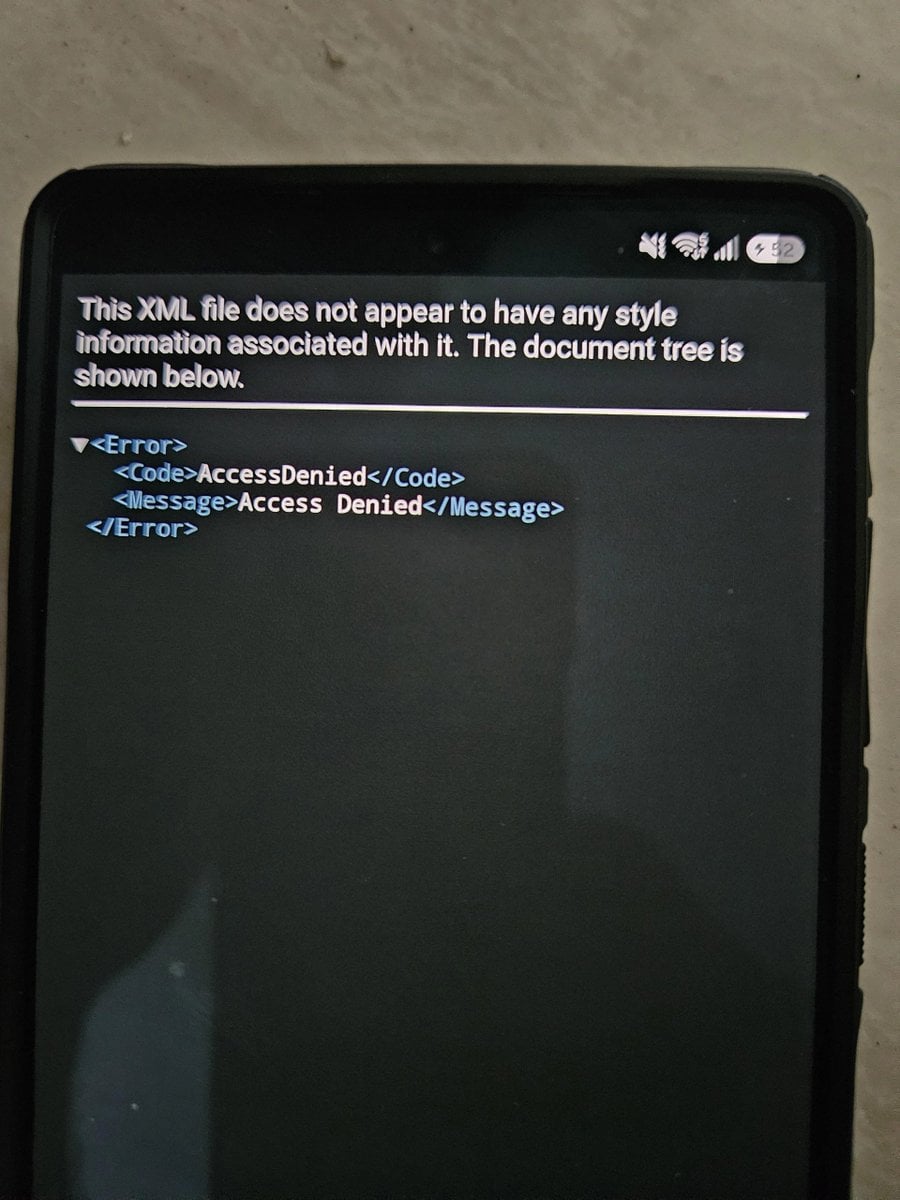
Industry experts and security analysts tracking the situation, including prominent tech commentators such as @fahadalijaved, have pointed toward a specific root cause. The consensus among the technical community is that the issue is likely a byproduct of a server-side modification implemented by Samsung.
It is common practice for hardware manufacturers to implement "anti-leaking" protocols within their firmware. These protocols are designed to verify that the device is authorized to install a specific build of an OS, often pinging a central server to confirm the integrity and availability of the software. It appears that a recent change to these verification servers, intended to prevent the unauthorized distribution or premature discovery of firmware files, has inadvertently caused a conflict. When the phone completes its post-update check, the server-side mismatch triggers an error state, locking the user out of the operating system. Essentially, the phone is behaving as if it is waiting for a "green light" from Samsung’s servers that never arrives, leaving the device trapped in a loop of expectation.
Immediate Resolution Steps for Affected Users
For those currently impacted by this error, a specific sequence of operations has been identified to restore functionality without the need for a factory reset, which would result in data loss. The current recommended procedure is as follows:
- Forced Reboot: When the screen hangs, users must perform a hardware-level force restart. This is achieved by simultaneously holding the Volume Down and Power buttons until the device screen goes black and the Samsung logo reappears.
- Safe Mode Initiation: The critical moment occurs immediately after the Samsung logo appears. The user must press and hold the Volume Down key until the device completes its boot cycle. This action forces the phone into "Safe Mode," which loads only the essential operating system components and disables third-party applications or non-critical background services.
- Network Isolation: Once inside Safe Mode, the device should be functional enough to navigate settings. The user must immediately enable Airplane Mode. This severs the connection to Wi-Fi and cellular networks, effectively cutting off the phone’s ability to communicate with the verification server that is causing the lock.
- Final Restart: With Airplane Mode active, the user can then restart the device normally. Because the phone cannot check in with the server during the boot process, it proceeds to the home screen. Users are then advised to keep their device in Airplane Mode until an official patch or resolution is provided by Samsung.
Broader Context of One UI and Firmware Updates
One UI 9 represents a significant architectural shift for Samsung, bringing deep integration with new AI features and optimized resource management. Firmware updates of this magnitude are inherently complex, involving thousands of lines of code that must interact with specific hardware drivers across a diverse range of devices.
In the modern mobile landscape, the complexity of these updates has increased exponentially. Samsung, which maintains one of the most aggressive update schedules in the Android ecosystem, has historically navigated these deployments with high levels of success. However, the sheer scale of the global rollout—which spans millions of devices across different carrier variants and regional firmwares—means that even minor server-side adjustments can have outsized impacts. This incident serves as a case study in the risks associated with cloud-dependent OS validation.
Implications for Manufacturers and Consumers
The implications of this incident extend beyond a temporary inconvenience for a segment of users. It raises questions regarding the balance between digital rights management (DRM) and the user experience. While the prevention of firmware leaks is a legitimate business interest for manufacturers seeking to protect intellectual property and manage rollout timelines, the "collateral damage" of such measures can degrade consumer trust.
From a regulatory and consumer protection standpoint, instances where an official, manufacturer-pushed update renders a device unusable present a significant challenge. While Samsung is expected to roll back the problematic server-side changes or issue a "hotfix" to resolve the verification error, the incident highlights a vulnerability in the current "always-connected" model of software maintenance.
For the average consumer, this event serves as a reminder of the volatility of early software releases. While the allure of new features is strong, the technical risks associated with "day-one" updates remain a reality. Industry best practices, such as backing up data before major system updates, have been reinforced by this event. Furthermore, it underscores the need for manufacturers to implement more robust "fail-safe" mechanisms in their bootloaders, ensuring that a simple server-side handshake failure does not prevent a user from accessing their own hardware.
Looking Ahead: Samsung’s Response and Future Stability
As of the latest reports, Samsung has not issued a formal, widespread press release acknowledging the technical error, but internal support channels have reportedly begun advising technicians on the aforementioned manual bypass. It is anticipated that a silent patch will be deployed in the coming days to recalibrate the server-side verification logic.
Moving forward, it is likely that the company will evaluate its verification architecture to ensure that future "anti-leak" measures do not interfere with the legitimate update paths of the general public. For users who have not yet updated their devices, the current recommendation is to proceed with caution—or, as the current situation dictates, to enable Airplane Mode before initiating the installation process. By isolating the device from the network during the critical update window, users can bypass the server verification check entirely, potentially avoiding the lock screen issue until a permanent fix is verified and implemented by the manufacturer.
In conclusion, while the One UI 9 soft-lock is a frustrating experience, it is a solvable technical hurdle. It serves as a stark reminder of the complexity of the modern smartphone ecosystem, where a single line of server-side code can effectively brick thousands of devices globally. As the industry continues to push for faster update cycles and more integrated software experiences, the importance of rigorous testing and fail-safe recovery procedures will only become more pronounced. For now, users can rest assured that their data is likely safe, provided they follow the established recovery procedures to regain control of their hardware.
